Capture real requests
Record only API traffic from the active tab.
Capture real fetch/XHR requests, turn them into mocks, then switch success, empty, slow, and error states locally.
Record only API traffic from the active tab.
Turn a captured request into a rule with URL, method, headers, and body filled in.
Use Static, Merge, or Dynamic responses for different testing needs.
Group rules into states like empty cart, payment failed, or slow inventory.
Capture requests, edit mock rules, and confirm active mocks directly on the page.
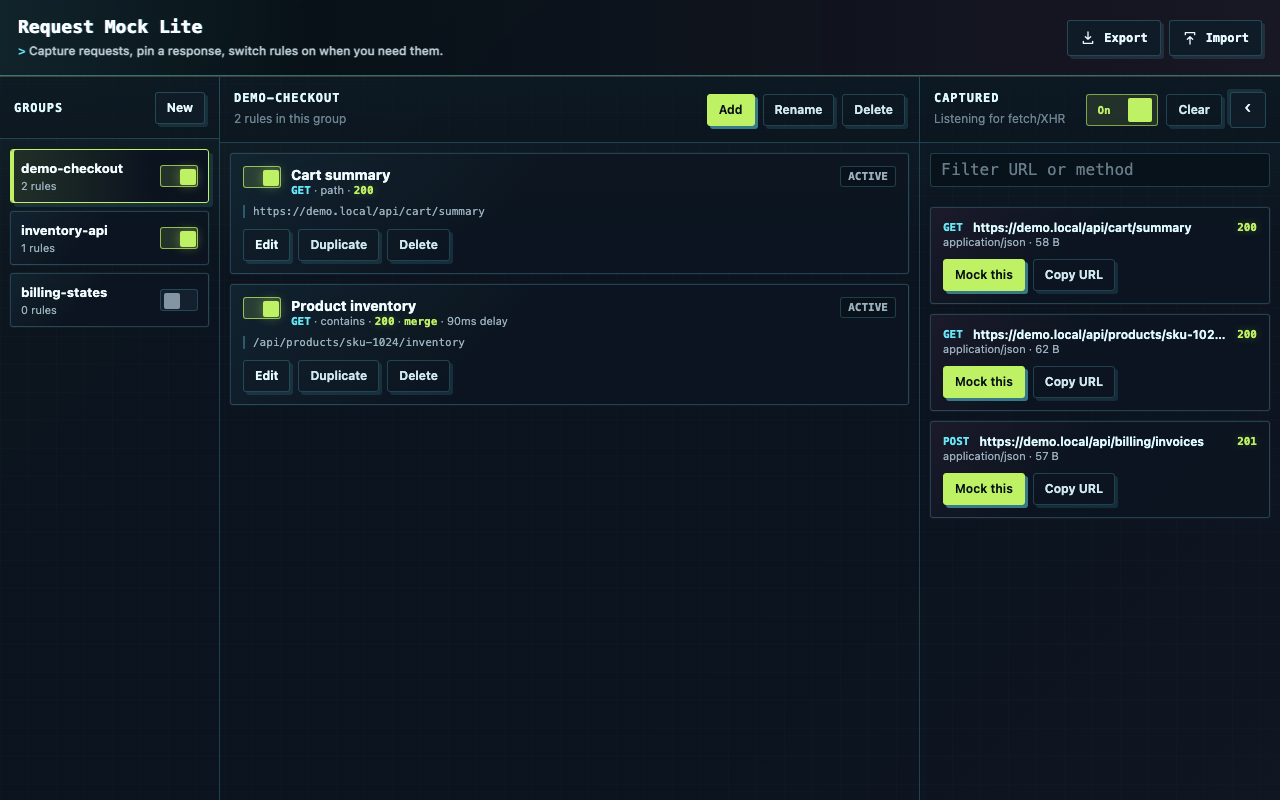
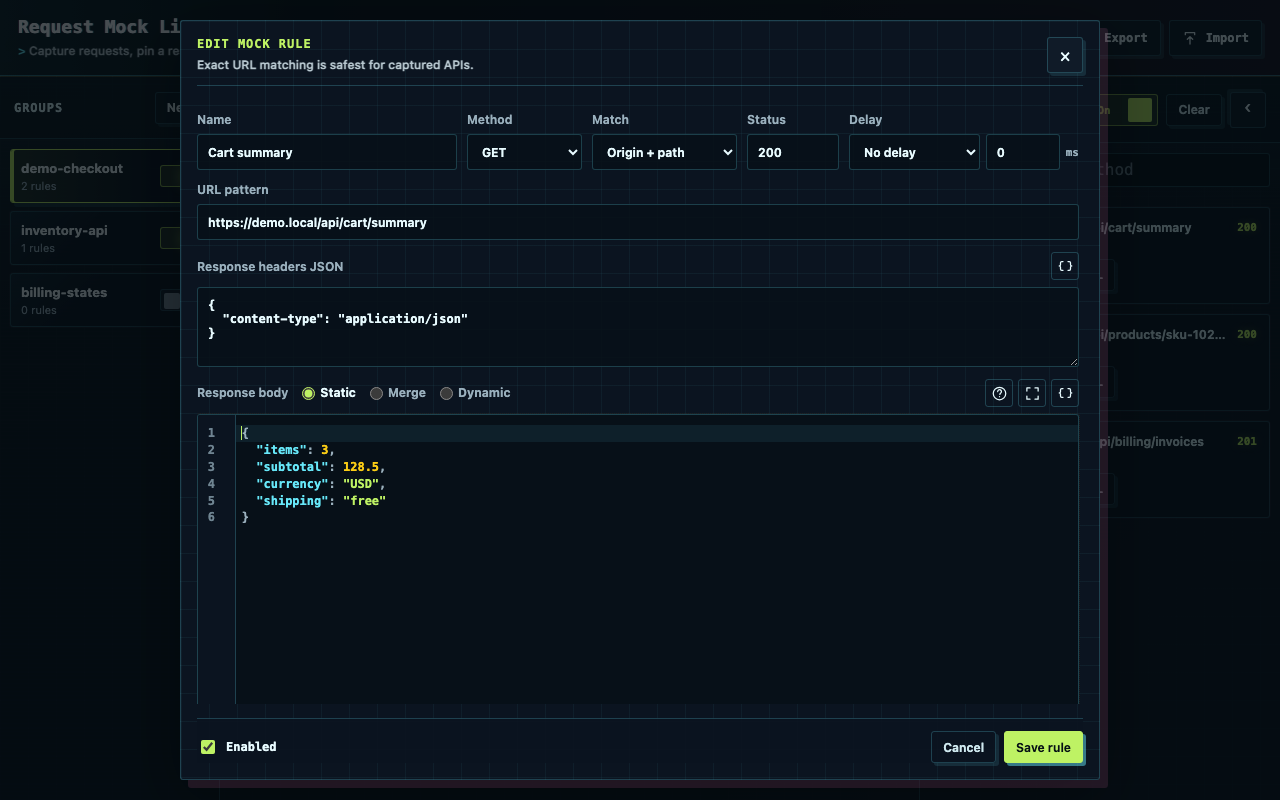
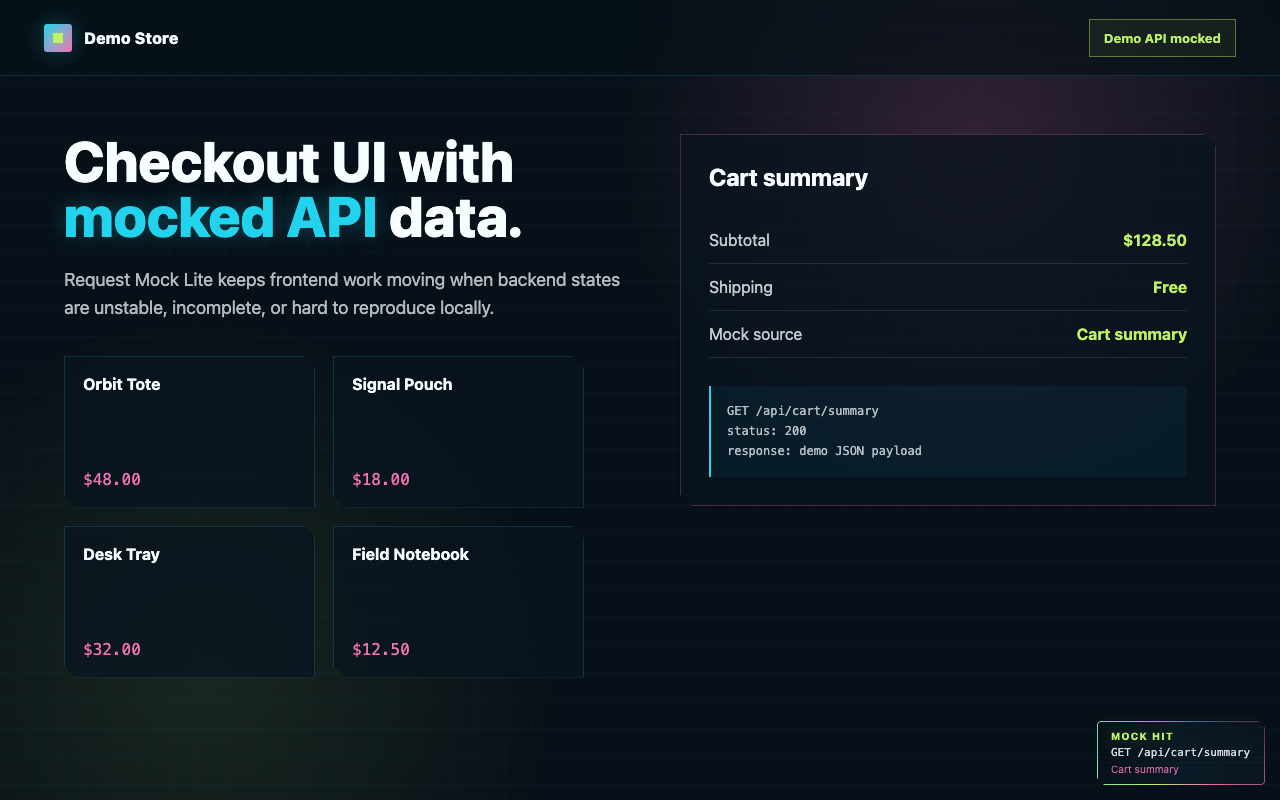
The short version: it runs locally, focuses on API traffic, and keeps mock states easy to switch.
Download the latest release zip, unzip it, open chrome://extensions, enable Developer mode, and load the unzipped folder.
Paste a cURL command into the Add flow, or capture a real fetch/XHR request and turn it into a rule with Mock this.
Use Static for fixed responses, Merge to patch real API data, or Dynamic to compute a response from the request and real response.
Yes. Export rules as JSON, import them later, or keep scenario groups for repeatable local testing.
Import and export rule sets, group scenarios, and keep your frontend work moving even when the API is not ready to cooperate.